PHOTO TO RAP VIDEO
Pet Rap Video Generator
Let the pet in your photo brag about running the house. A name, a favorite treat or one funny habit makes the performance personal.
Create your rap video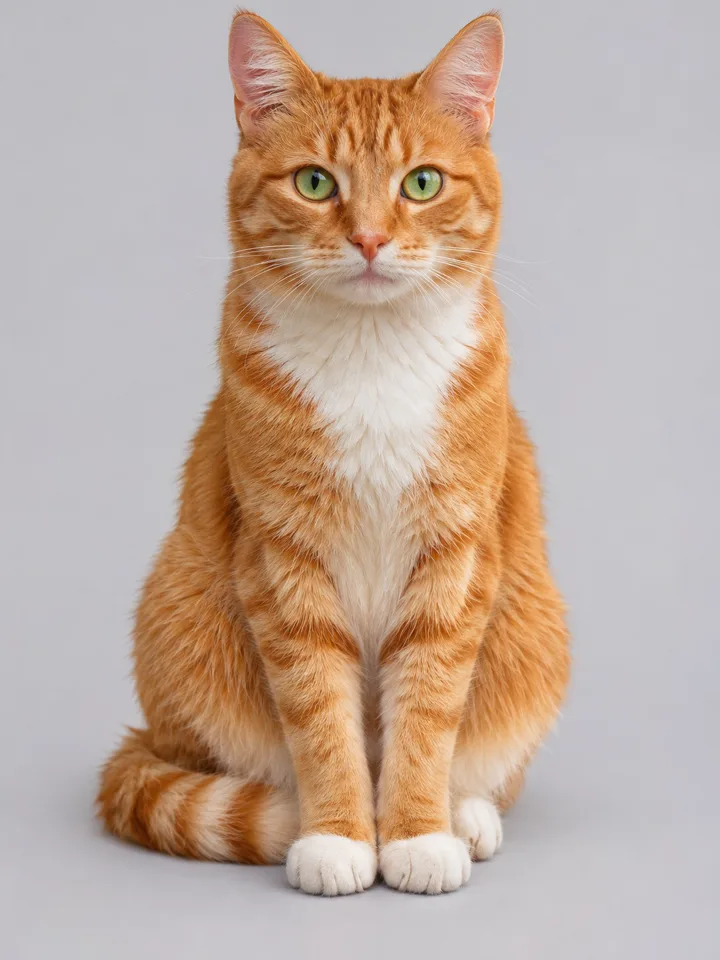
Actual generated example. Your result will vary.
STEP INTO THE BOOTH
CREATE YOUR RAP VIDEO
Your photo. Your style. Your rap moment.
Make it yours
Add your photos
Upload one clear photo of your cat or dog. Show its face and body without another animal or person blocking them.
Add a personal detail
Add a name or a funny habit like begging for treats or waking you up early. You can also keep the playful default idea.
Review & generate
Check settings and credits before generating.
Pricing
What you get
A short MP4 rap performance, with AI-generated vocals and music when audio is on. Choose 5, 10 or 15 seconds and review the current quality and credit cost before confirming. Exact lyrics and lip sync can vary.
Before you generate
Can I use a dog photo as well as a cat?
Yes. Pet Rap works with cats or dogs from a single photo. Pet Rap uses one individual pet photo, not the two-person photo mode. AI motion and mouth movement can vary.
Is there a free trial, and how many credits does a video cost?
There is currently no free rendered trial. Preparing photos and settings costs no video credits. Lite costs 4 credits per second, Standard 12 and HD 25. The confirmation window shows the total cost and your balance before you submit and spend credits. Each new generation is charged separately. Scene images illustrate the style; they are not previews of your finished video.
Do I get my credits back if generation fails?
Credits are returned automatically when the system confirms a generation has failed. A pending or uncertain task must be checked first; follow its progress in My Videos. A completed video that does not meet your expectations is not automatically treated as a failed task. Contact support with the task reference for review.