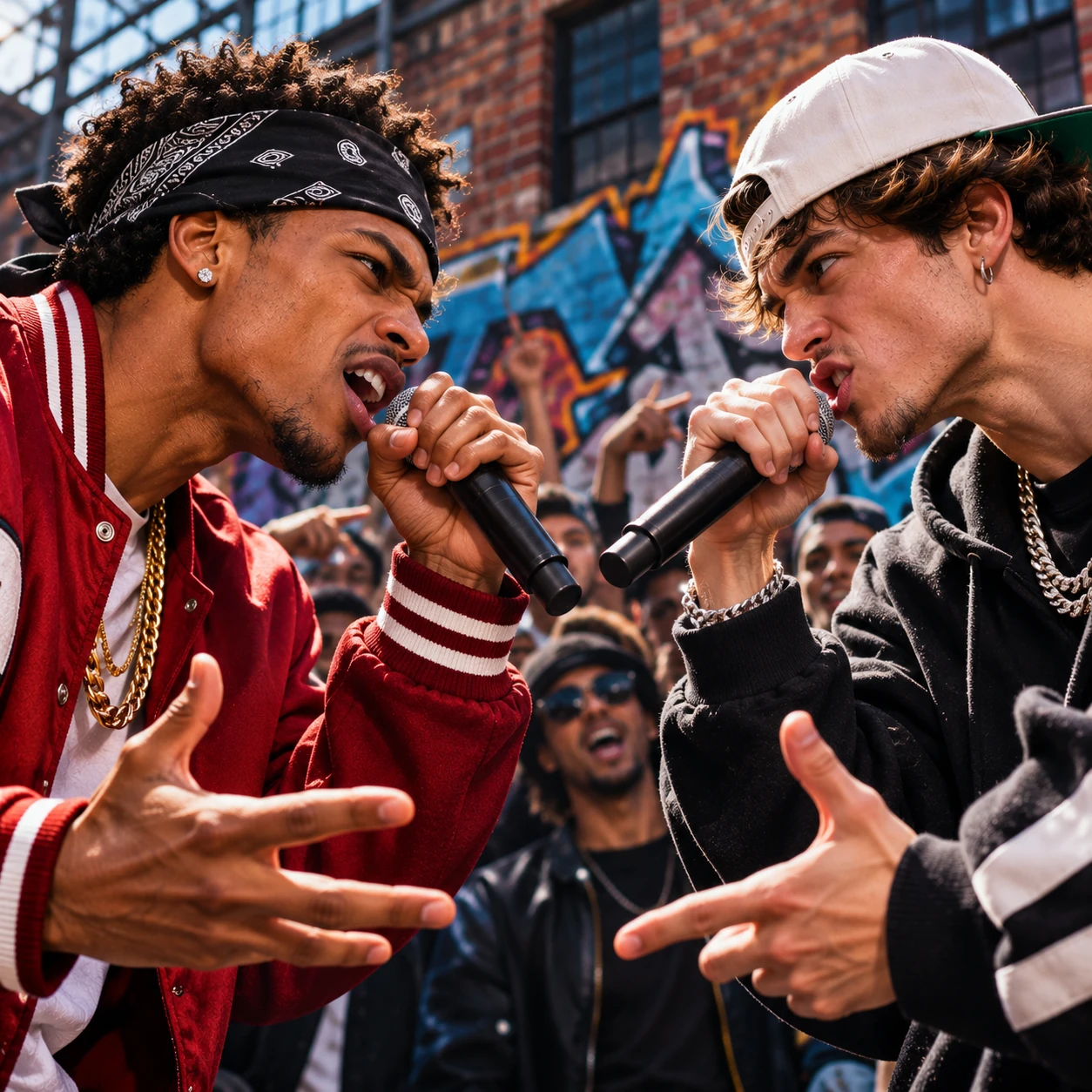
A diss track video can turn an inside joke into a tiny rap performance. You need a friendly rivalry, one or two authorized photos and a few lines that the people involved will enjoy hearing. This guide explains how to use an AI diss track generator without turning a joke into a personal attack. All example lines below are writing suggestions, not actual generated results. AI vocals, wording and lip movements can vary.
What is a diss track, and how is it different from beef?
A diss track is a rap that calls out or challenges someone. In hip-hop, some diss tracks belong to an ongoing public feud, often called beef. That is a real conflict, not a requirement for making a playful video. For a friend's birthday, a gaming rivalry or a group chat, the better starting point is a competition where everyone knows the joke and agrees to participate.
Think of this kind of diss track as a staged face-off: one friend always loses at FIFA; the other keeps arriving late with a dramatic excuse. Give both people room to laugh. An AI diss track generator can help you turn that situation into a short clip, but it cannot judge whether a target will feel hurt. You are responsible for choosing the subject and reviewing the result.
Write about a habit, never someone's identity
Decide on one harmless behavior before writing any lyrics. Everyday habits work because the punch line is specific and recognizable. Do not write insults about race, religion, gender, sexuality, disability, body shape or other protected or sensitive characteristics. Avoid threats, harassment, humiliating private details and claims you cannot verify. Do not publish a surprise attack on someone who has not agreed to the premise.
An opening could be: "You say you're the champion, but you missed the winning shot." A friendly response might be: "Save me a slice of pizza, I'll be there before the clock." These are original writing examples, not promises about exactly what the model will perform. Add a respectful closing line such as "Same team tomorrow" to signal that the rivalry is just for fun.
How many photos do you need?
Use one photo for a solo challenge: the performer raps as though calling out an imaginary competition without inventing another person's face. Use two separate portraits, one per lead, for a friendly face-off between two people. Both must be adults who have agreed to appear, and you must have permission to upload their photos.
Choose clear, well-lit images with visible faces and space around the head and shoulders. Avoid sunglasses that obscure the eyes, heavy filters and crowded pictures. Each uploaded portrait should show the intended lead clearly. Do not assume the model can reliably distinguish two people from one group photo. The scene preview is an illustration of the style, not evidence of how your finished video will look.
Start with two or three lines, not a full song
In the Your idea field, explain the rivals, the joke and the desired ending. You can optionally add a short original lyric cue after "Lyrics:", but do not paste an entire song. The model uses words as guidance; exact lyric delivery, turn-taking, timing and lip sync are not guaranteed.
For example: "Two consenting adult friends in a lighthearted video-game battle. One jokes about always winning at FIFA, the other counters with a pizza joke. Playful reactions, no aggression, and a friendly shout-out at the end." That gives the diss track generator a clearer direction than a list of unrelated insults.
Choose 5, 10 or 15 seconds
Five seconds suits one hook, a quick challenge or a single punch line. Keep the visual action simple: one performer, one gesture, one ending. A two-person exchange is difficult to fit neatly into such a short clip.
Ten seconds provides room for a setup and a comeback. This is a practical starting point for a diss track video that needs two distinct reactions without trying to cover a whole story. Fifteen seconds gives a little more space for a joke, a reply and a friendly conclusion. None of these durations is a full song, and the video model may interpret the pacing differently from your text.
Pick a visual style and scene
For a classic face-off, start with Street Rap and the existing Street rap battle scene. If audio is on, Boom Bap can reinforce that old-school challenge feeling. For a comical rivalry, try Funny Rap with an appropriate playful scene. For a more polished mood, Trap can work, but avoid making a friendly joke feel threatening.
The visual style, scene and music style are separate decisions. You can change them before generation or choose No scene and describe the setting yourself. The diss track video generator already starts with a battle preset, so there is no need to create a second opponent or write production instructions from scratch.
Format for TikTok, Reels or a group chat
For TikTok and Instagram Reels, choose 9:16 vertical so the video fills the normal short-form screen. Keep faces and important gestures near the middle rather than at the very edges, where app buttons and captions may cover them. A five-second hook can loop well; ten or fifteen seconds is better if the joke needs a setup.
For a landscape presentation, use 16:9. The creator also supports 4:3 and 1:1, which may suit a square social post or a shared message. Those options change framing, not the permitted length. Watch the exported MP4 before posting, check every joke against the group's consent and share only the finished clip you are comfortable putting in public.
For more photo, prompt and format advice, browse the AI rap video guides. Start with a respectful idea, then adjust the result rather than relying on perfect first-time lyric delivery.